
Retouching panel for Photoshop
Professional Retouch Panel
Turn the hours you spend on manual edits into creativity. Combine speed, precision and flawless results in a single panel — built for high-volume work.
- Fast Results
- AI-Powered
- Lifetime Access
AI-powered
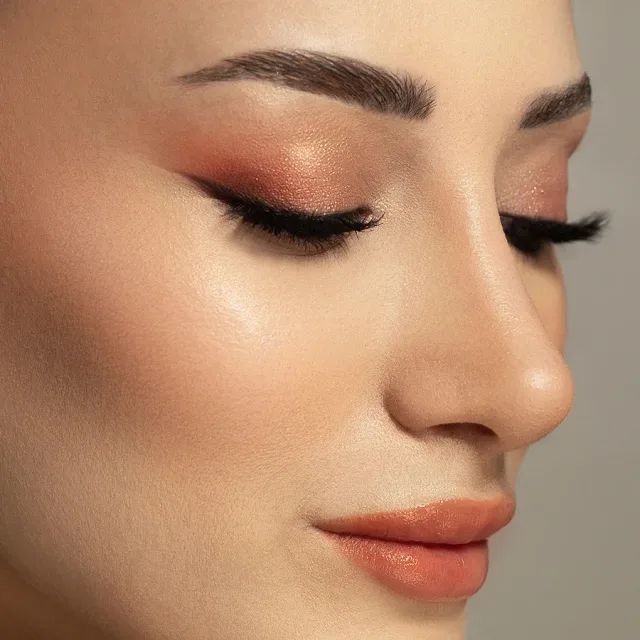
Smart selection, one click
Select subject, background and sky with AI in seconds. Masking and local retouching now take seconds, not minutes.
- Fast Results
- AI-Powered
- Lifetime Access
Speed + natural results
Minutes, not hours
Frequency separation, dodge & burn, skin, eyes and teeth — all in one panel, with pore-preserving natural results.
- Fast Results
- AI-Powered
- Lifetime Access
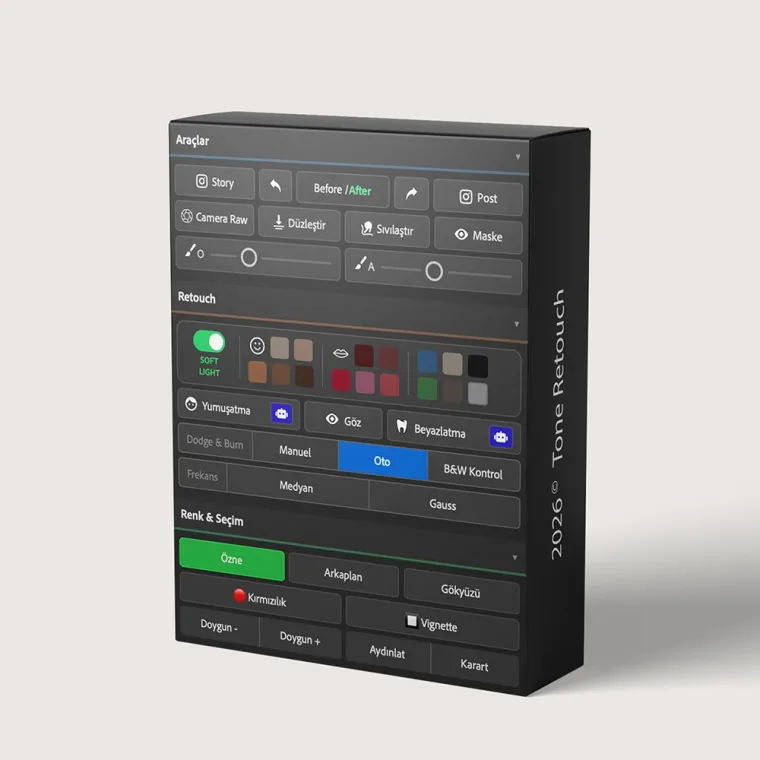
The panel
Everything in one panel
Frequency separation, dodge & burn, skin smoothing, eyes and teeth, color grading and AI-assisted selection — all inside Photoshop, in a single panel.
Features
Everything you need for professional retouching
No manual masking or layer juggling. ToneRetouch automates the most common retouching steps in a single panel — with natural results.
Frequency Separation
Split skin into color and texture layers (Median or Gaussian); remove blemishes without ruining texture.
Dodge & Burn
Balance light and shadow with manual, auto or B&W control; add dimension.
Soft Light & Skin
Natural, pore-preserving smoothness; AI-assisted softening.
Eyes & Teeth
Brighten and sharpen the eyes, naturally whiten teeth.
Smart Select (AI)
Select subject, background and sky with AI in one click.
Color & Tone
Final grade with redness, saturation, vignette and dodge/burn.
How it works
Results in three steps
Open the panel
Open ToneRetouch as a plugin inside Photoshop.
Pick a tool
Choose the retouching tool that fits your photo.
One click
Get a professional result in seconds.
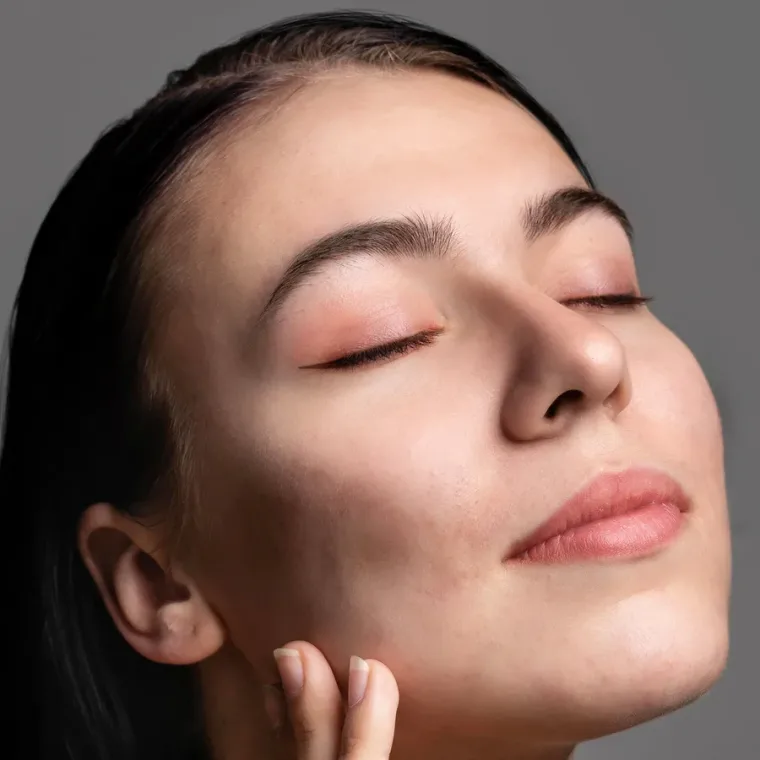
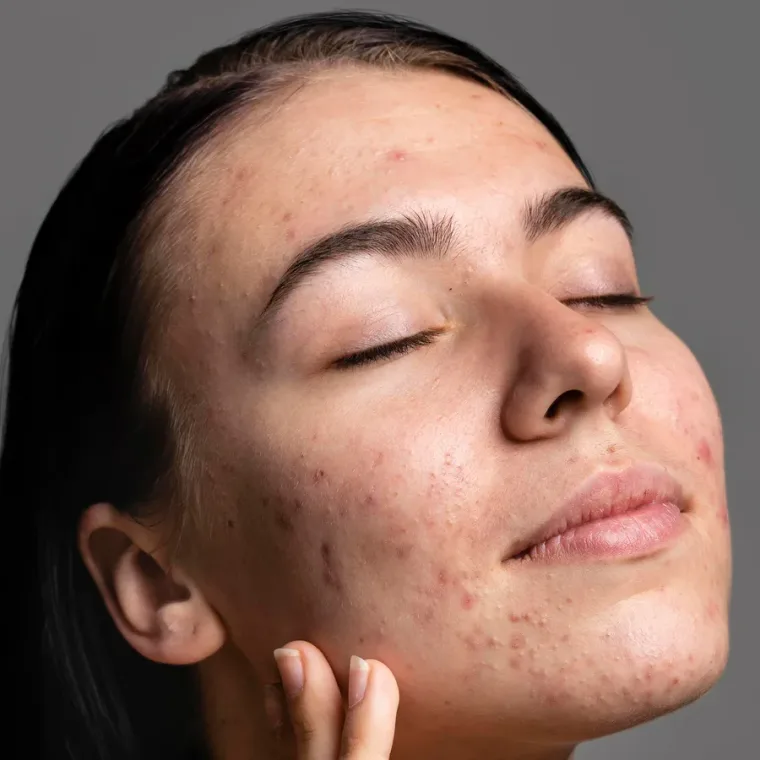
Before / After
Slide to see the difference
One panel, in minutes — natural, clean results. Drag the handle.
 Before After
 Pricing
Pay once, use forever
No subscription. A single payment with all updates included.
ToneRetouch · Lifetime
One-time payment · lifetime license + updates
Buy Now- Lifetime license + updates
- 3-day free trial
- Windows & macOS
FAQ
Frequently asked
Which Photoshop version do I need? +
Photoshop 27.1 and above (UXP plugin support). Works on Windows and macOS.
How does the license work? +
Pay once for lifetime use. Sign in to your account to activate the plugin.
Can I try it first? +
Yes — a 3-day free trial gives you access to every feature.
Start retouching today
Try it free for 3 days and see the difference yourself.